Running a Modern AI Chat System on Android Froyo
I recently dug up an old Android device. It was the Motorola MB525 running Android 2.2 Froyo. Android 2.2 released on May 20th, 2010. It’s basically a time capsule at this point.
No modern apps. No working internet experience. Everything that depends on modern TLS or updated APIs is either broken or unusable. But despite that, it’s still a fully functional piece of hardware (you can make calls for example, given that you have the access to 2G/3G). However, I found it quite interesting to experiment with.
Idea: “What if I build something real on this?”
At first, the goal was simple: just get something running on it.
I decided to build a small Android app and see how far I could push this device. The app is really just a button that shows “Hello world” AlertDialog, nothing special.
Development Setup
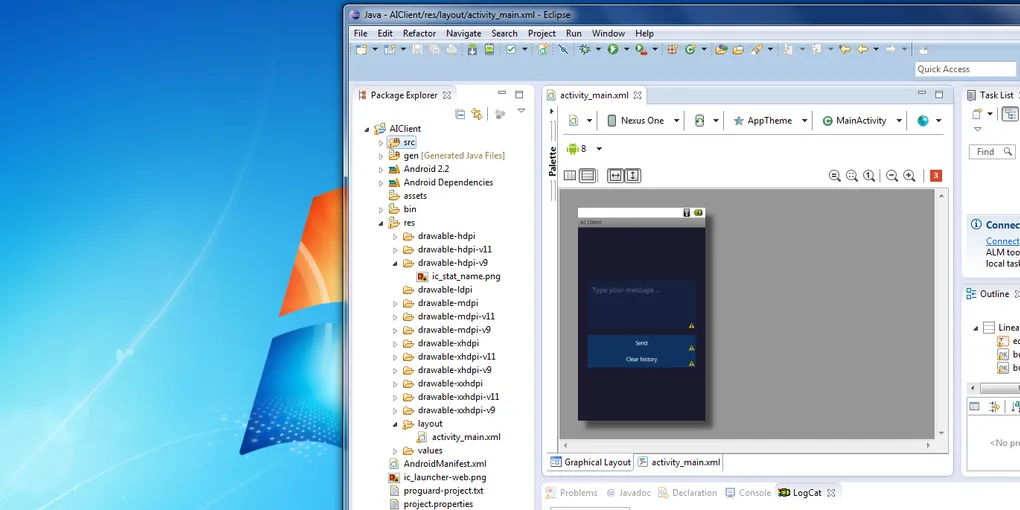
Since this is Froyo-era Android, modern tooling is not an option. So I had to dig deep into archive.org and such. What I found however made me happy. I managed to find era-appropriate Eclipse (specifically Eclipse Juno) IDE and Android SDK.
My next steps were:
- Set up a VM for compatibility
- Install Android SDK + old toolchain
- Configure Eclipse Juno
After doing that, it was time to build! I spend some good 30 minutes on learning the GUI of this old IDE but I managed to make something like this:
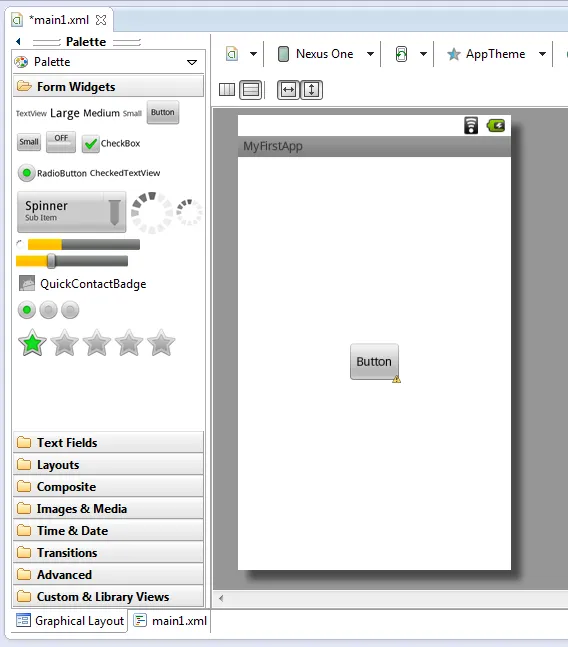
Simple and effective for now.
Compiled it and ran it on an emulator first. Suprisingly, everything went smoothtly at first.
Running on Real Hardware
Next logical step was real device testing.
I installed ADB drivers, connected the phone, deployed the APK, and it worked like a charm.

That confirmed the whole setup was actually usable for something bigger and more challenging!
The Bigger Idea: AI Chat on Froyo
After getting basic apps running, I started thinking:
What if this device could actually talk to a modern AI system?
The problem is obvious though - Android 2.2 cannot properly handle modern HTTPS/TLS stacks or current API requirements. So direct integration was not realistic.
Solution: Python Proxy Bridge
Instead of forcing the phone to do modern networking, I offloaded everything to a proxy server.
The phone sends messages to a simple Python service that runs on local network entirely on HTTP, which forwards them to the AI API and returns the response back to the device.
After about two hours of work, I had a working system.
I used generic prompt “ELI5: what is an atom?” and here are results:
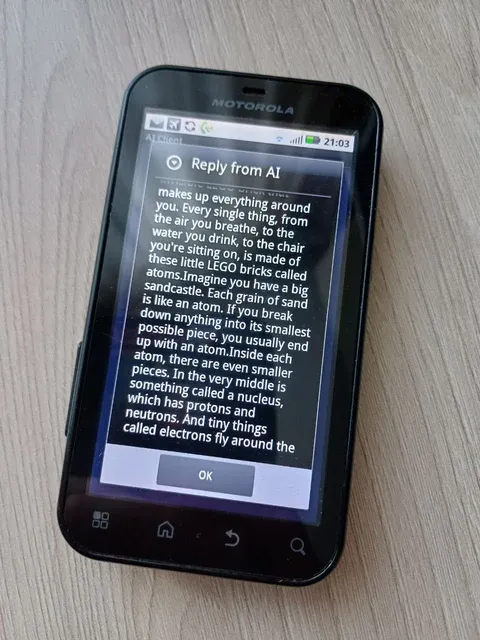
Fast and surprisingly stable. The UI is really simple, but it’s sufficient for such small “AI agent” like this. What’s cool is it keeps chat log (temporarily) and model can have a conversation with you without forgetting it’s previous responses and previous user prompts. You can clear the history with the button below (user has to confirm the action in AlertDialog to clear)
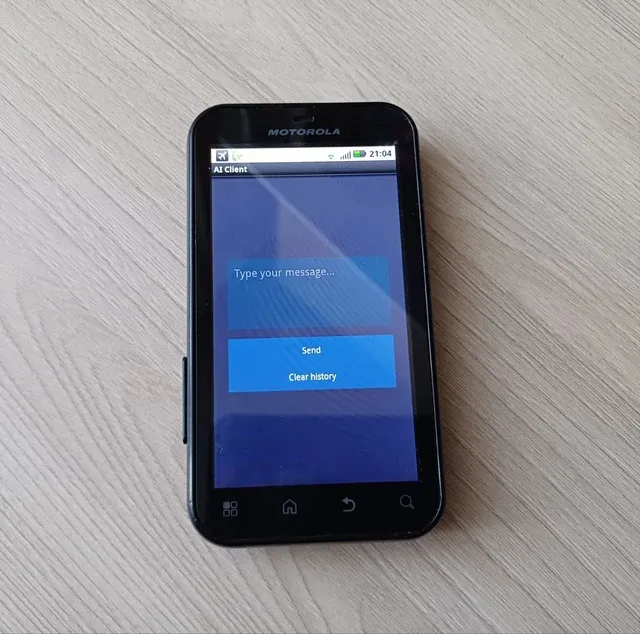
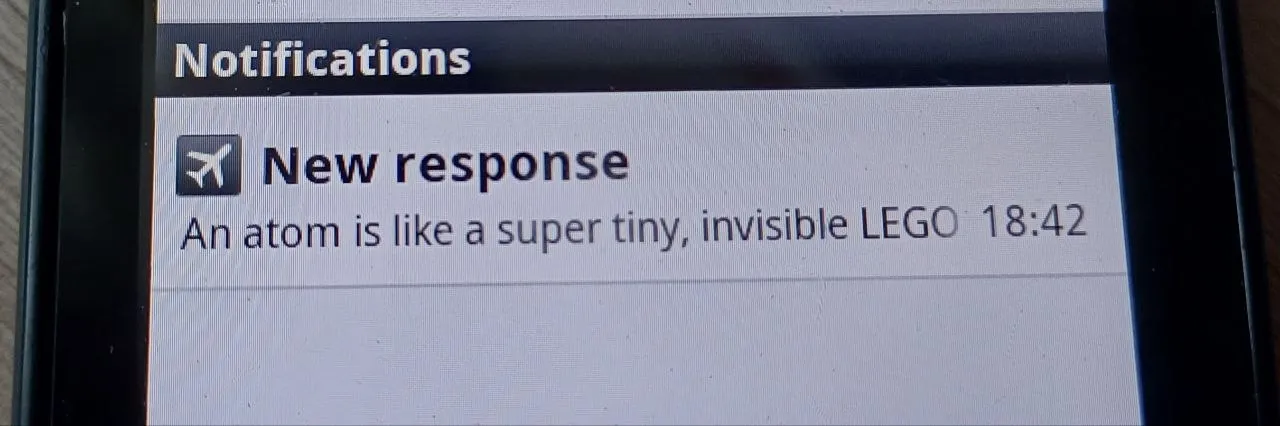
It even supports push-style notifications for incoming responses by the way! And it blinks notification LED blue when screen is off as well. In my case I could choose any color for the LED since the device supports that feature. I might make length of the response influence color someday, which would be neat!
That’s it for now! A modern AI system running through Android Froyo with a lightweight bridge in between is definitely the most unique experiment I’ve tried. Source code is attached at the bottom, if you are curious or you have similar hardware to try this on.