How I'm Building My Own Game Engine: Part 2
Read first part here.
Well, after one month or so, I finally finished building Lab Escape using my own game engine! It was a rewarding experience, since this is my first time making a game with C++. Porting game from Unity to my engine gave me countless opportunities to implement new engine features, making it better and better.
Let’s walk through the game I made.
It’s mostly the same design and assets as original Lab Escape, including first 2 levels, however, I decided to go with 3 instead of 5 levels. I didn’t see a reason to have so many levels for a small game like this. Besides, some of those were not fully possible and I merged some of them. Level 3 is similar to last level in original game (minigames to reveal digits of the code). But I decided to use other minigames. I kept Simon Says and Guess The Word, and added two new ones: Ball and Cup and Find The Ducks.
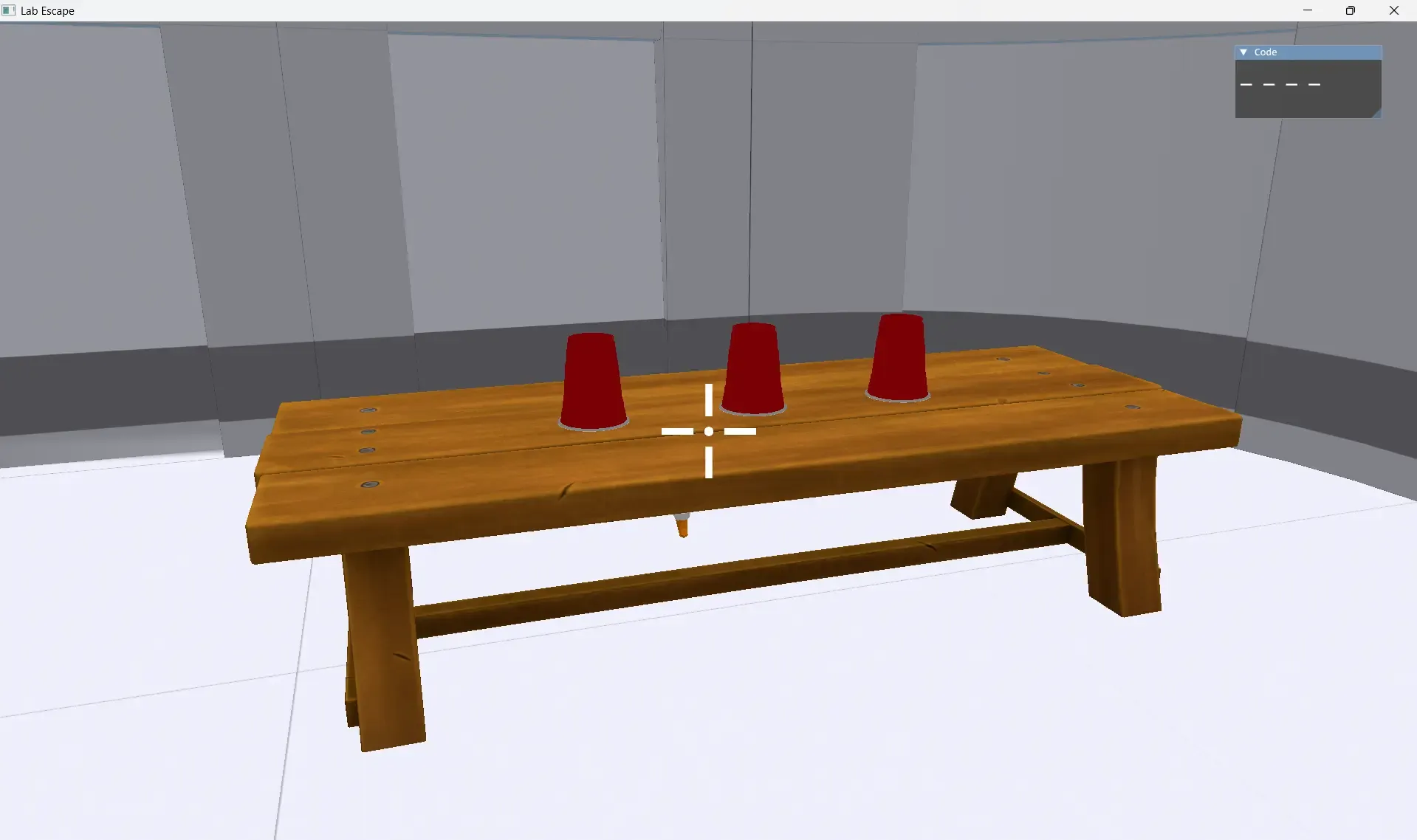
Ball and Cup is a simple game. Player has to track in which cup is the ball as they’re shuffling and choose the right cup 10 times.
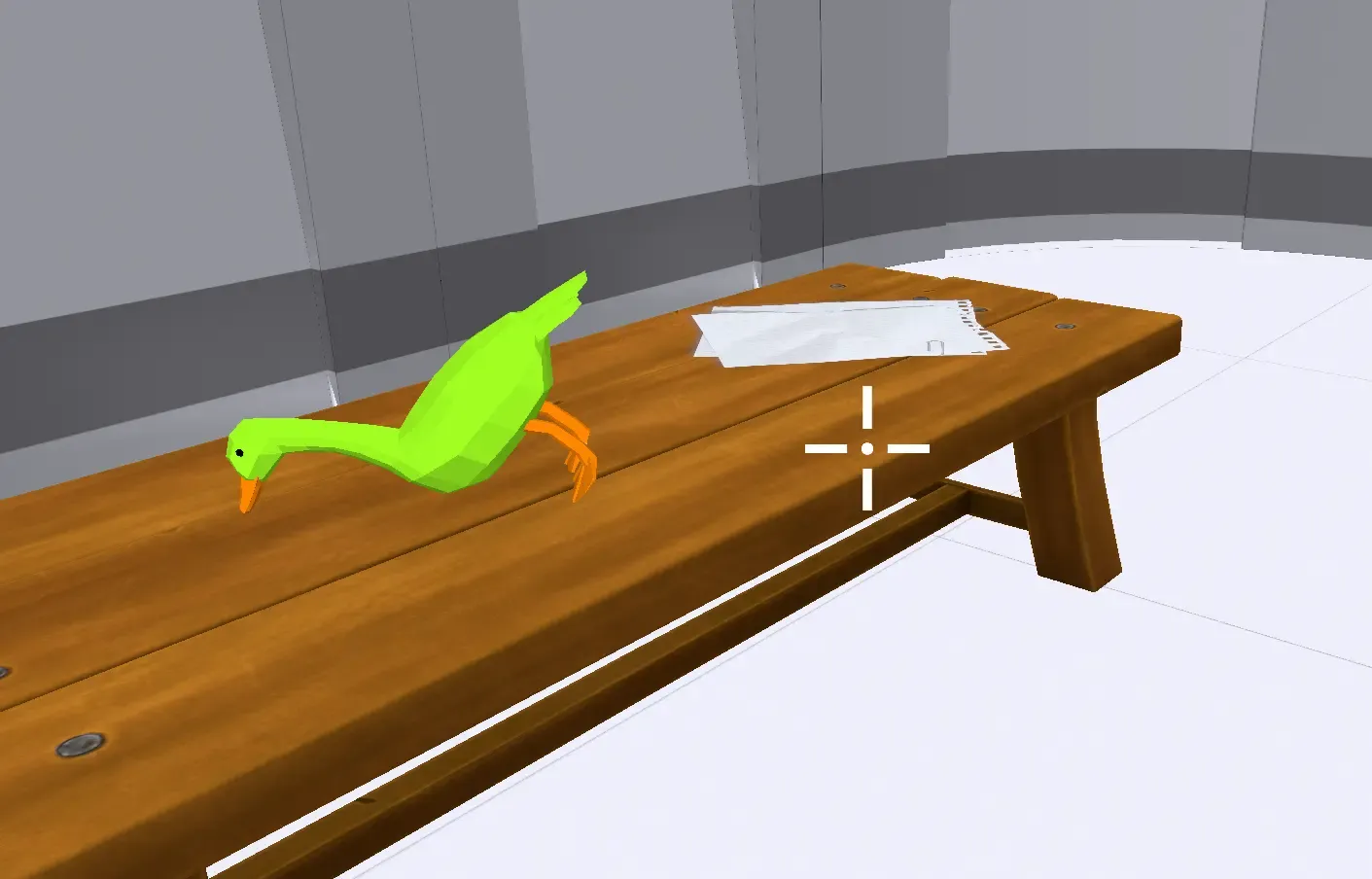
Find the Ducks is even simpler. You need to find duck statues and place them on the table. In total there are 4 of them. They are conveniently placed throughout the level map. When you place the statue on the table, you get confirmation with sound effect (duck quack) and color change of the statue itself. If the duck falls off the table, texture returns back to the default one.
The main difference from original game is DualSense support. Originally, Lab Escape didn’t even support gamepad input. The “remastered” version has such support, and for DualSense specifically haptics and color bar support is implemented as well. Haptics is an engine-level feature that works together with FMOD to pump PCM samples straight into audio device. I never implemented any haptics for any game before, so I had to get creative. Logically, the first thing would be to make steps and keypad interactions create vibration. When it comes to second level (where you crouch and move slowly, and stop moving when camera sees you), I had an idea to make color bar go red and strong vibration fire to notify player about the event, rather than just relying on red outline around the screen appearing.
At the end of the day, developing game with custom game engine is my biggest and one of the most rewarding achievements of 2026. It gave me a new point of view on the code and system design and provided me priceless and valuable experience. Challenges I faced and bugs I solved like flipped quaternion coordinates or creating UI system reshaped my problem solving skills. In the future, I plan to continue creating new engine features, update editor, and make more games with my own engine.
Check out the project page if you are interested in the game or engine!