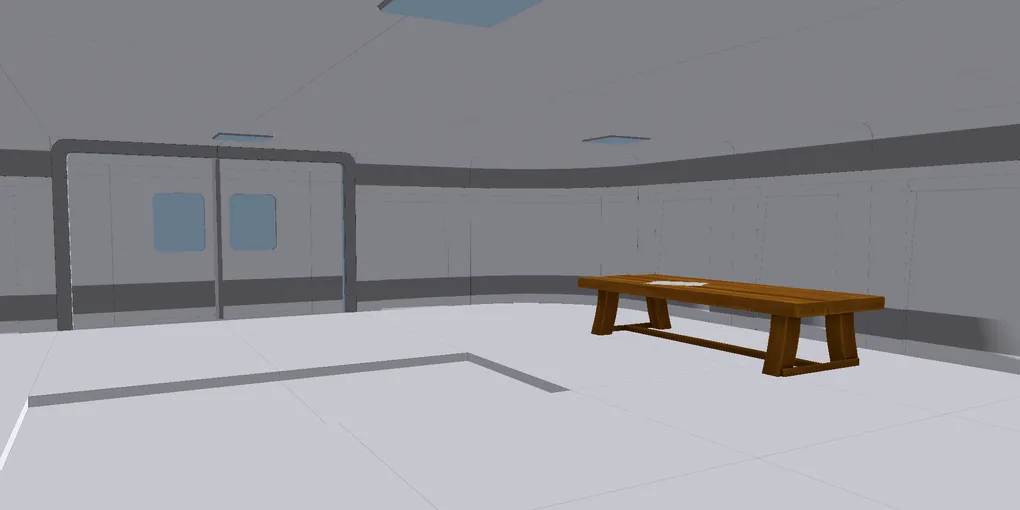
How I'm Building My Own Game Engine in C++
Building a game engine from the ground up is an exercise in total accountability. When you move away from high-level abstractions like Unity, you are starting to design whole ecosystem rather than just writing code. My goal for this project was to move past the “spinning triangle” phase and build a legitimate, modular backend capable of handling rendering, physics, and low-level hardware communication. This is a great way to start building a system that gives an absolute control over every byte and every draw call. And this was my first introduction to absolute low-level system development, during which I have encountered lots of quirks I never knew about.
Over the past few months, the focus has shifted from basic boilerplate to deep-level systems integration. Developing at this level requires a mindset change: every feature added is a potential point of failure in memory or synchronization. The architecture I’ve settled on prioritizes a lean C++ core with a Vulkan backend, ensuring that the engine remains a thin but powerful layer between the logic and the GPU.
Core Features and Progress
So far, this project has took more than 1 month. And it’s easy to say this was one of the longest projects I have ever worked on!
The engine has moved into a stable state over the course of development, where the primary systems are now fully integrated and working together:
- Vulkan Renderer: A custom-built abstraction layer focusing on explicit pipeline state management and a clean swapchain implementation. Vulkan is already a complex thing to master, but it’s a rewarding experience.
- Scene & Object Management: A centralized game object and scene system that handles entity lifecycles without the overhead of heavy managed environments. You load a scene template from scene file and engine instantiates all resources and game objects for you. And on scene unload it automatically cleanups what it has created.
- Physics & Audio: Native integration of NVIDIA PhysX for the simulation backend and FMOD for high-performance spatial audio. PhysX is the most interesting SDK. I used to work with it in separate environments. I felt this was a great fit for such project after experiencing it.
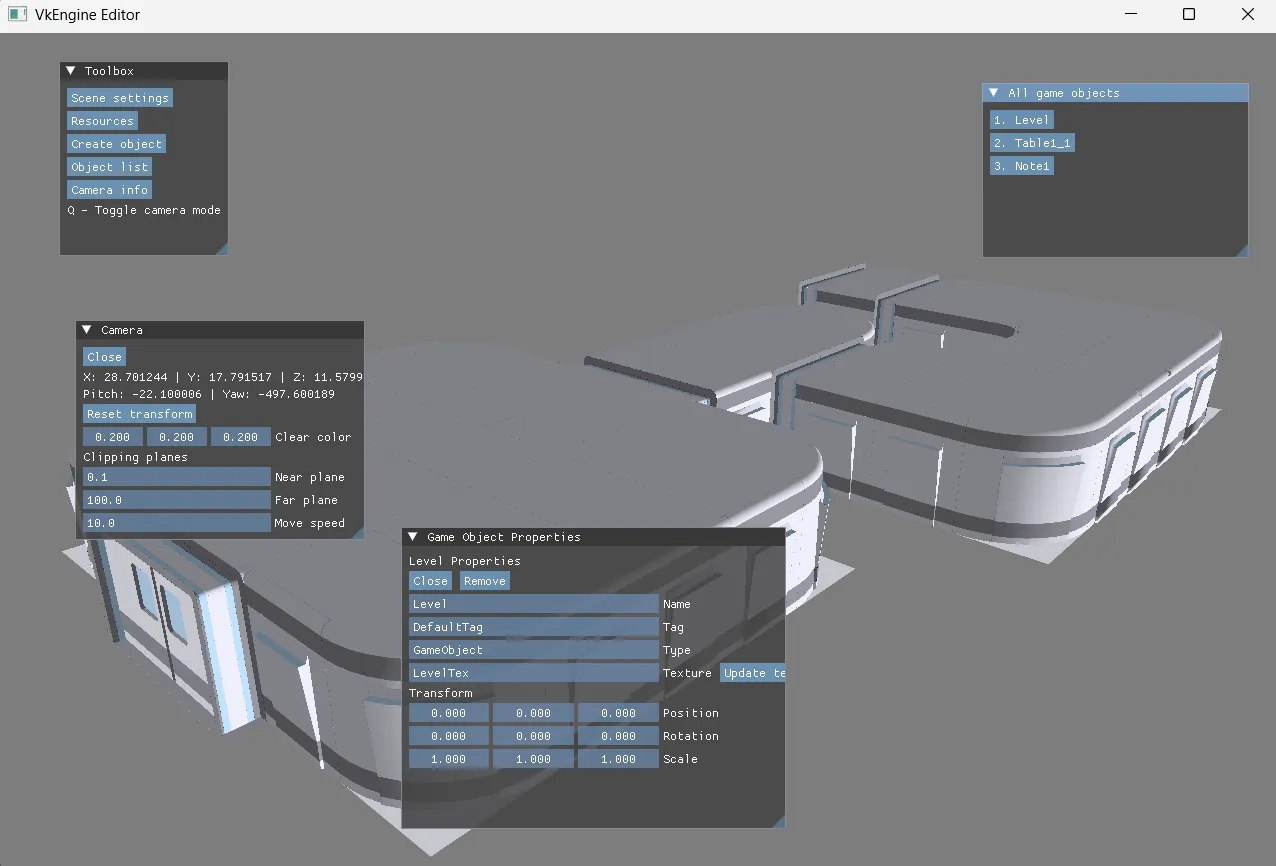
- Dev Tooling: A built-in UI interface built on ImGui that supports modular callback handlers, allowing for real-time engine state manipulation and debugging. Right now this is only UI the engine works with. Early games will use ImGui for their UI. It will look raw, but at least working. I plan on adding advanced custom UI rendering soon.
Editor
Engineering Challenges: Memory and Alignment
The most significant roadblocks weren’t found in the graphics pipeline, but in the structural integrity of the C++ code itself.
This was my first time creating system in library which communicates with executable. Engine development from scratch is a rewarding experience to learn memory management and ABI requirements. This has definitely changed my perspective on software engineering for the better.
Struct Alignment and Manual Padding
I encountered a recurring issue with struct alignment mismatches between the engine core and external modules. By stripping private members in certain headers to maintain a clean public API, I inadvertently changed the object sizes and member offsets. This resulted in silent memory corruption. To solve this, I had to implement manual padding across the shared headers to ensure that every translation unit agrees on the exact memory footprint of our core structures.
Engine-Level Allocation Wrapper
To maintain strict control over the heap, I implemented a custom allocation wrapper. This was specifically designed to handle STL objects used within internal templates. Objects created by the game logic that belong to the engine’s lifecycle need to stay on the engine’s heap to avoid ownership conflicts and “orphaned” memory. This wrapper acts as a bridge, ensuring memory safety and consistent tracking before I move toward a full custom allocator.
Specialized Hardware: DualSense Integration
A unique branch of this engine’s development is its dedicated support for the DualSense controller. Rather than using generic wrappers, I am interfacing with the hardware directly:
- Haptics via WASAPI: To achieve high-fidelity haptics, I treat the DualSense as a quad-channel audio device. By using an FMOD PCM handler to fill buffers asynchronously, I can stream raw data to channels 3 and 4, driving the left and right voice-coil actuators directly for nuanced, audio-based feedback.
GLFW handles gamepad input handling. This branch is work-in-progress, since I’m trying to implement DualSense RGB LED bar color control and adaptive trigger effects support with custom HID reports. Perhaps I will make this as separate plugin that integrates with generic gamepad handler in my engine.
The Port as a Stress-Test: Lab Escape
To prove the architecture works, I’ve started porting my project Lab Escape from Unity to this engine. Lab Escape is a Unity game I made a while ago (learn more here ) and I thought this was a perfect candidate for my game engine. I wasn’t really inspired much to create something new. This isn’t much about the game itself, but about using a known codebase to stress-test the engine’s features. This test has already forced improvements that a simple demo wouldn’t have. Specifically in handling different font scaling within the UI wrapper and refining the robustness of the callback system. It has served as a vital feedback loop for the renderer’s stability.
Building this engine has been a lesson in technical debt and hardware reality. Every crash caused by a 4-byte alignment mismatch or a mismanaged heap allocation has served to make the core architecture more resilient. As the renderer stabilizes and the hardware features like the DualSense adaptive triggers come online, the focus will shift from “making it work” to “making it fast.” This project is a long-term commitment to understanding the full stack, from the high-level scene graph down to the raw HID packets.